How-To: Access the Lumos Help Center
Last updated: April 23, 2026
Welcome to our new Help Center! In order to access our expansive library of How-To guides and Feature documentation, you'll need to log in as a Lumos Customer. Below you'll find a How-To on gaining access via the login:
Navigate to our Help Center's Homepage
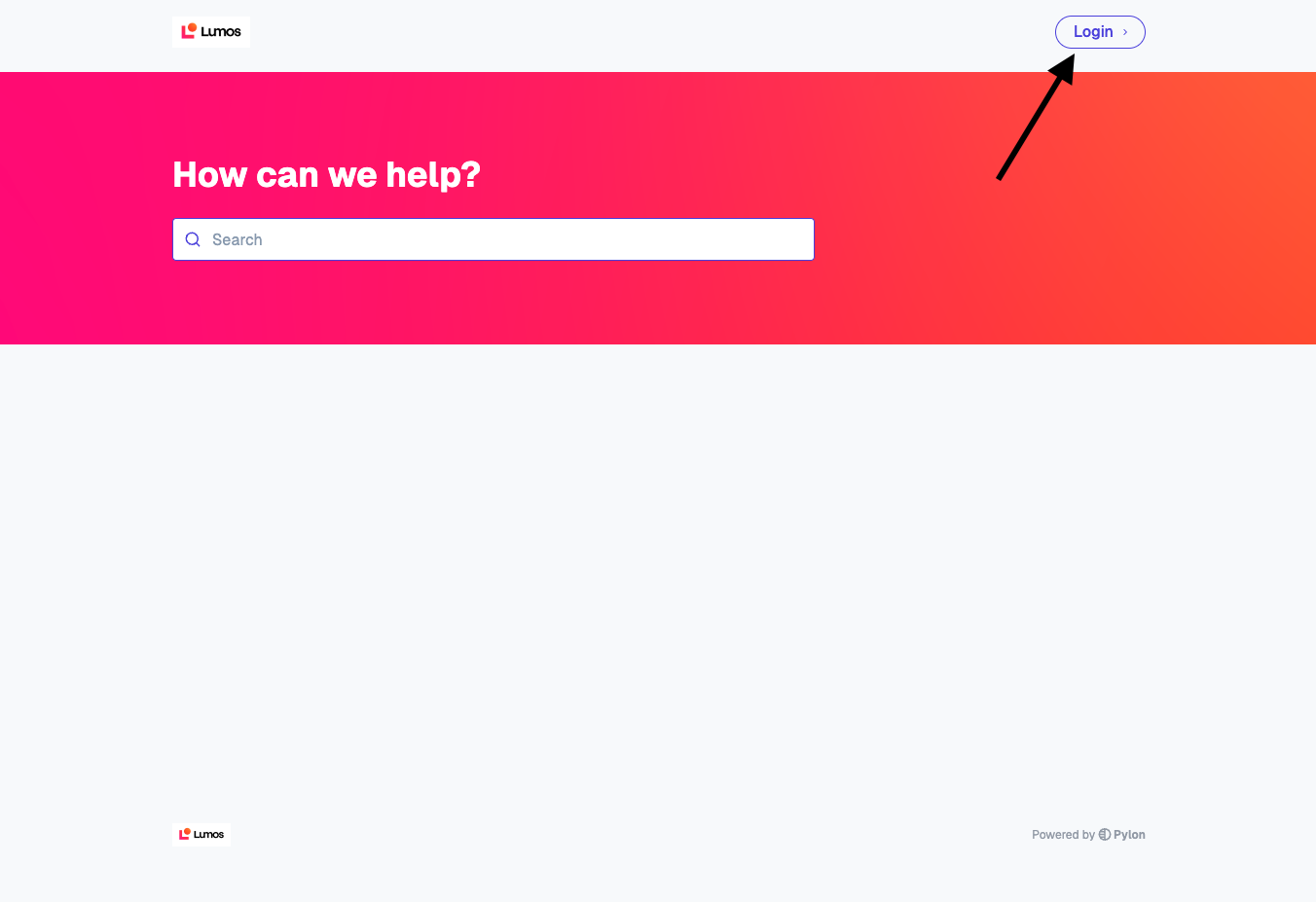
Click "Login" in the top right of the screen
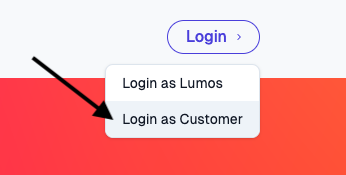
Click "Login as Customer"
Log into Lumos using your company email
You're in! All articles should now be viewable and easily navigable
Please reach out to our Support Engineering team at support@lumos.com if you're encountering any unexpected issues.