Get Started with Agentic Access Reviews
Last updated: May 28, 2026
Reviewers can find Access Reviews manual, repetitive, and time consuming. They also often lack context to make the right decisions leading to rubber stamping and compliance risks.
Agentic UARs are here! Reviewers will now see recommended access review decisions with clear rationale, so they can focus only where human judgment is needed.
With this new experience, Reviewers will be able to make more accurate decisions and move through the review quicker.
Video Walkthrough
How It Works
Lumos' AI agent, Albus, looks across your identities, apps, accounts, entitlements, policies, access reviews, organizational structure, SoD rules, and much more to determine if someone's access is appropriate and why or why not.
Reviewers will see:
AI suggested decision: Albus makes an
AcceptorRejectrecommendation on each account or entitlement being reviewed. For decisions where more information is needed, Albus recommendsReviewfor the Reviewer to make the final determination.AI review insights: Albus explains why the decision was made via an Insight category and accompanying detailed insights. Details on Insight categories and how they are generated:
Insight Category | How Albus decides on this category |
Terminated | When an employee is no longer employed at the company |
SoD violation | When an Segregation of Duties Policy violation is detected (Permisson-based Reviews only) |
Birthright | If an employee has been granted access via a policy |
Approved Access | When a valid access request granted access |
Overprivileged | When an employee's access is too privileged for their role (Permisson-based Reviews only) |
Inactive | When an employee has been inactive in the app |
Unusual Access | When an employee's access is not appropriate for their role |
Role Aligned | When an employee's access is appropriate for their role |
Non Human | This is a service account or non-human identity |
Enabling Agentic UARs in Your Review
AI Insights are enabled by default for Access Reviews. You can enable/disable them at the Campaign and at the individual Access Review level. These setting will only affect unlaunched Access Reviews.
Enabling/Disabling Agentic UARs at the Campaign Level
Navigate to a Campaign
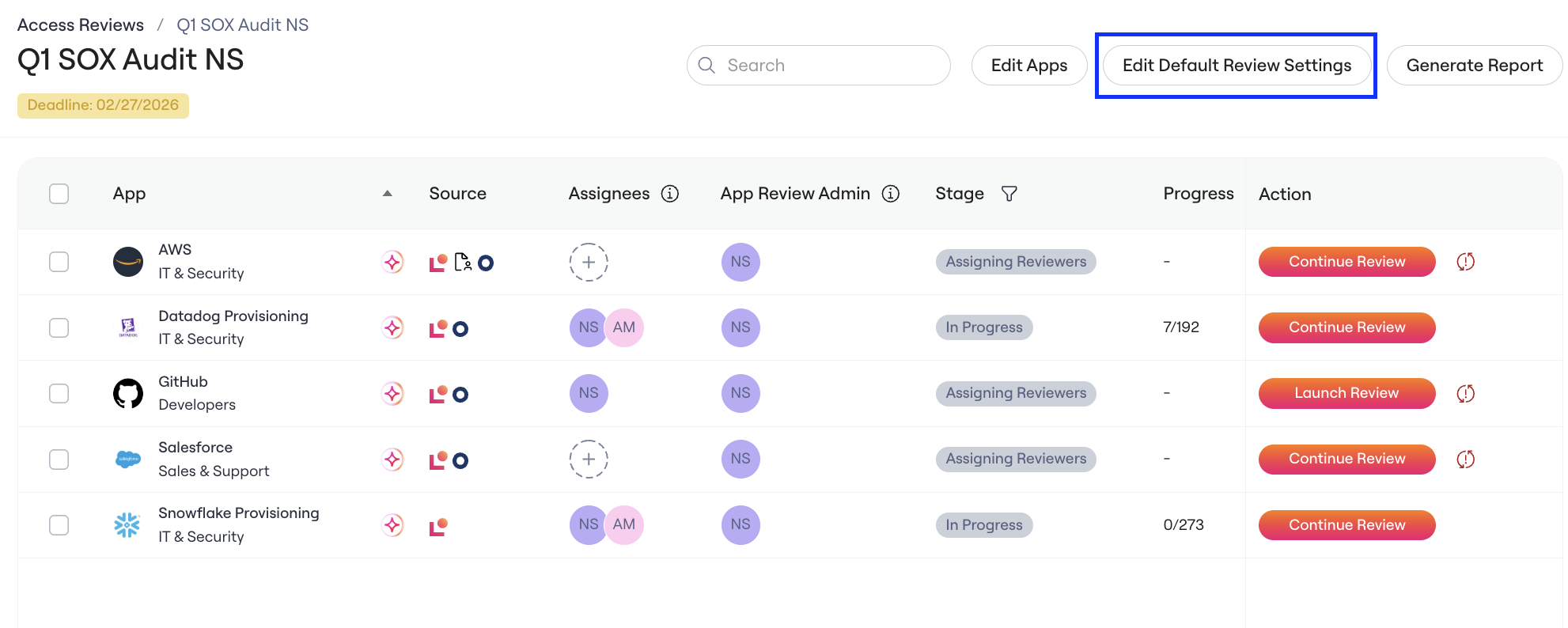
Click on Edit Default Review Settings
Toggle AI insights on or off
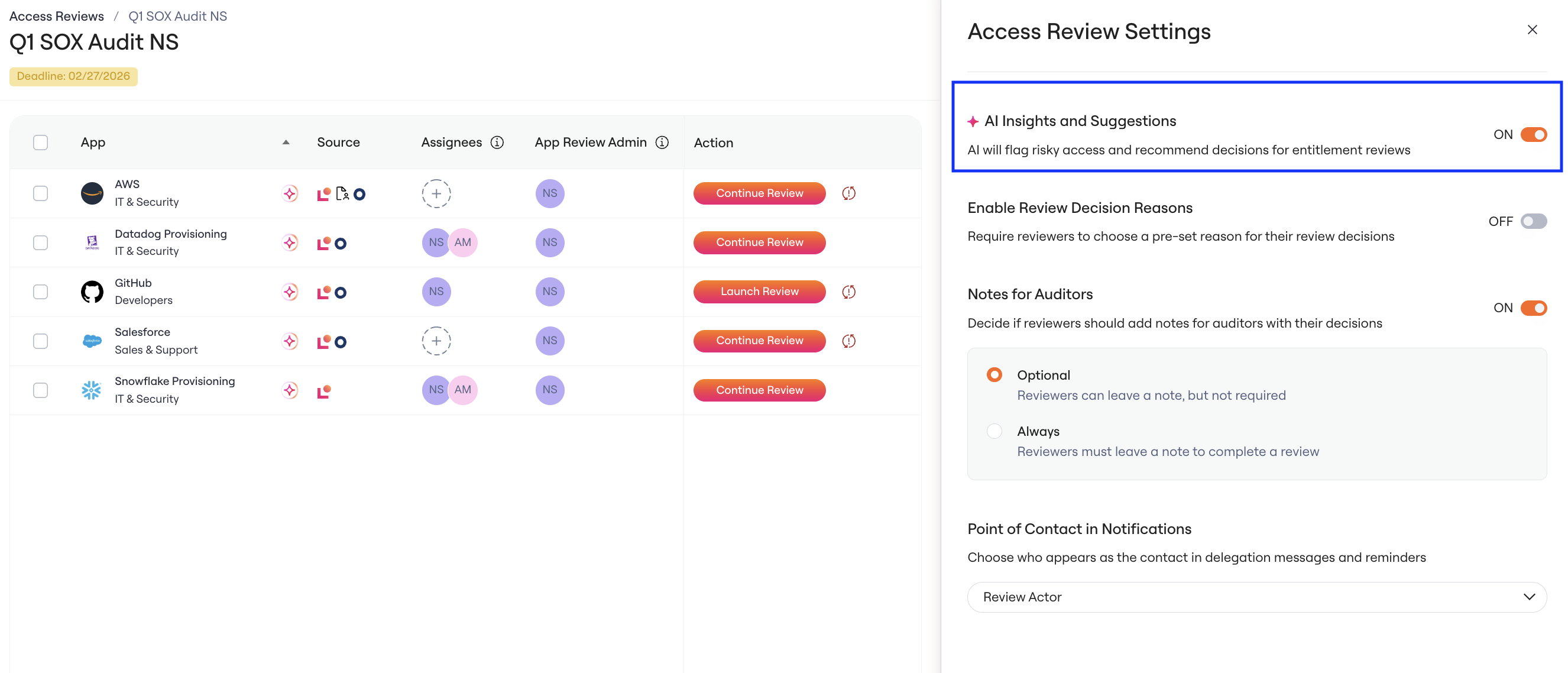
Notes: Enabling or Disabling will only impact unlaunched Access Reviews
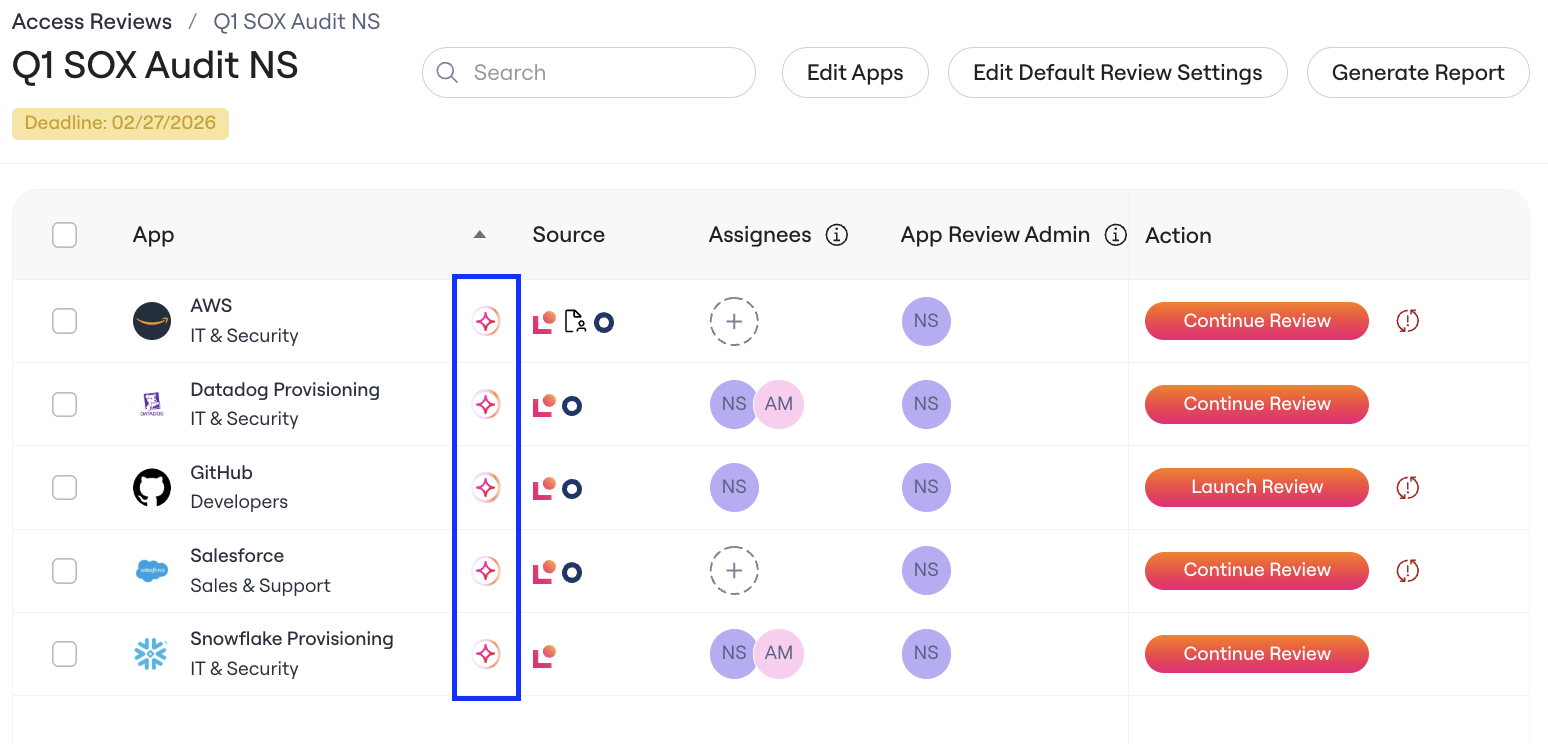
View AI Insights icon for Access Reviews with AI insights enabled
Enabling/Disabling Agentic UARs for a specific Access Review
Navigate to a specific Access Review
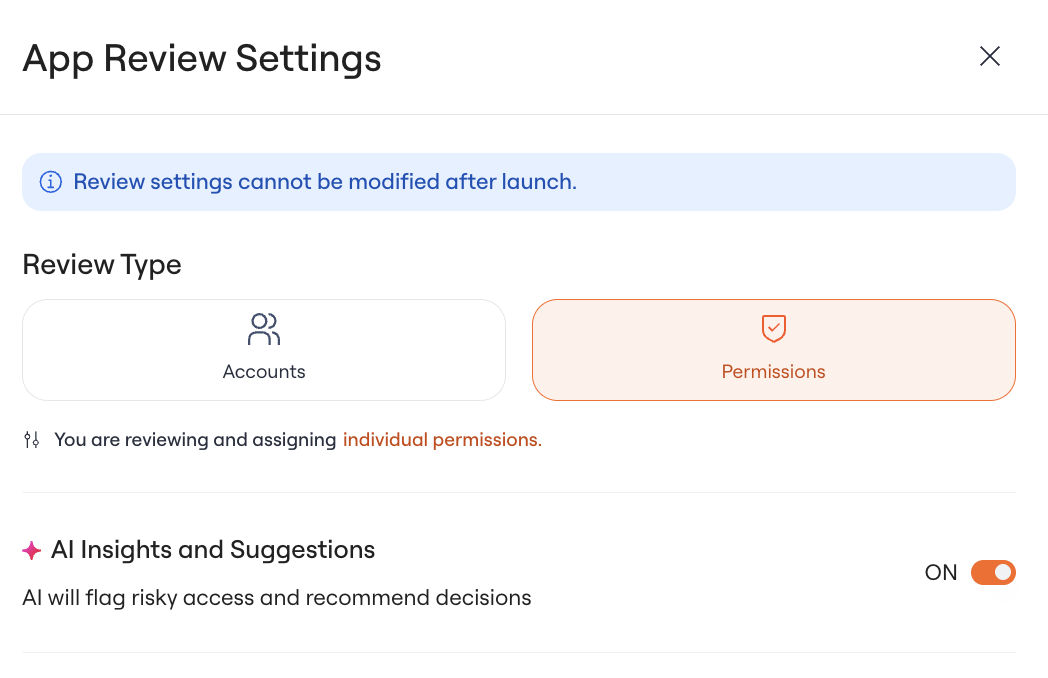
Open on Access Review Settings
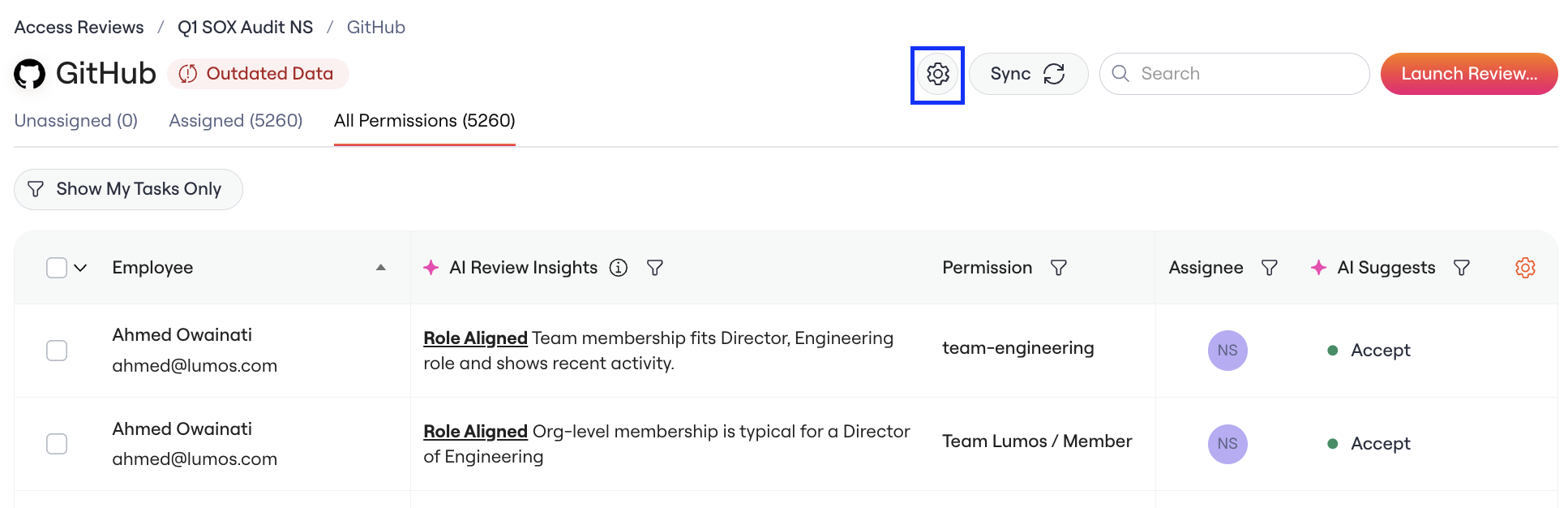
Enable/Disable AI insights for this Access Review
Enabling/Disabling AI Insights in Auditor Reports
Navigate to Access Reviews Settings
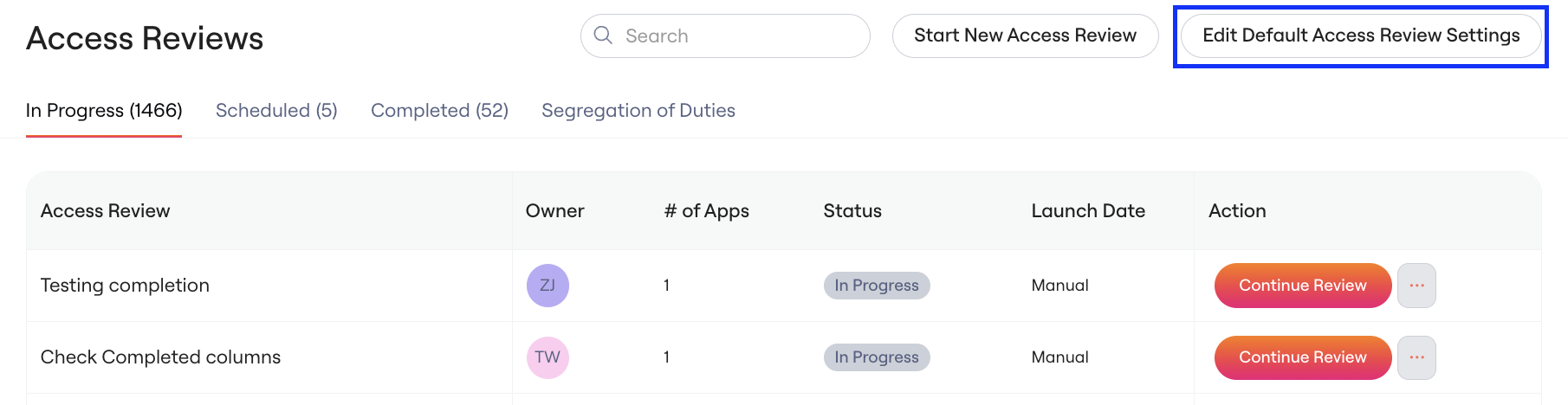
Enable/Disable AI insights in Auditor Reports
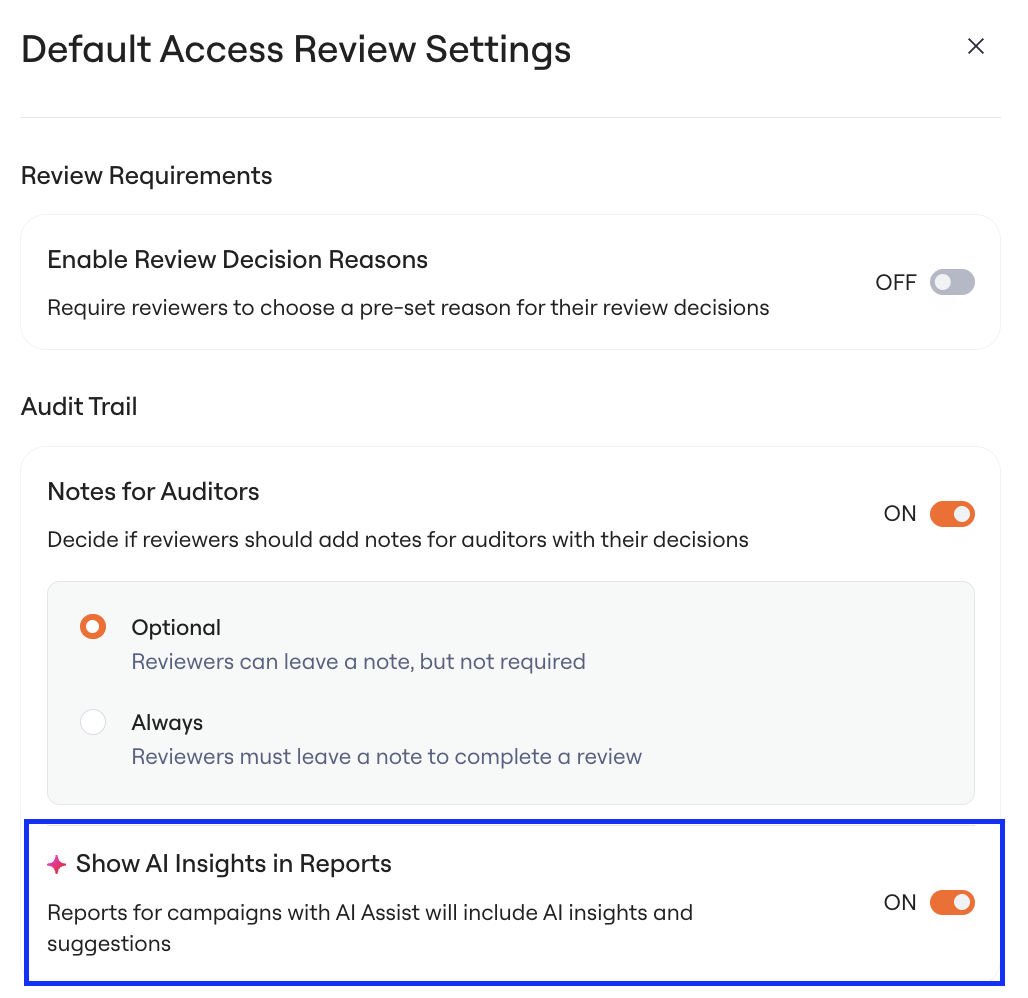
This setting will affect all Auditor Reports.
Generating a report when this setting is enabled will include AI insights if they were enabled at any time for a Review
Generating a report when this setting is disabled will not include AI insights
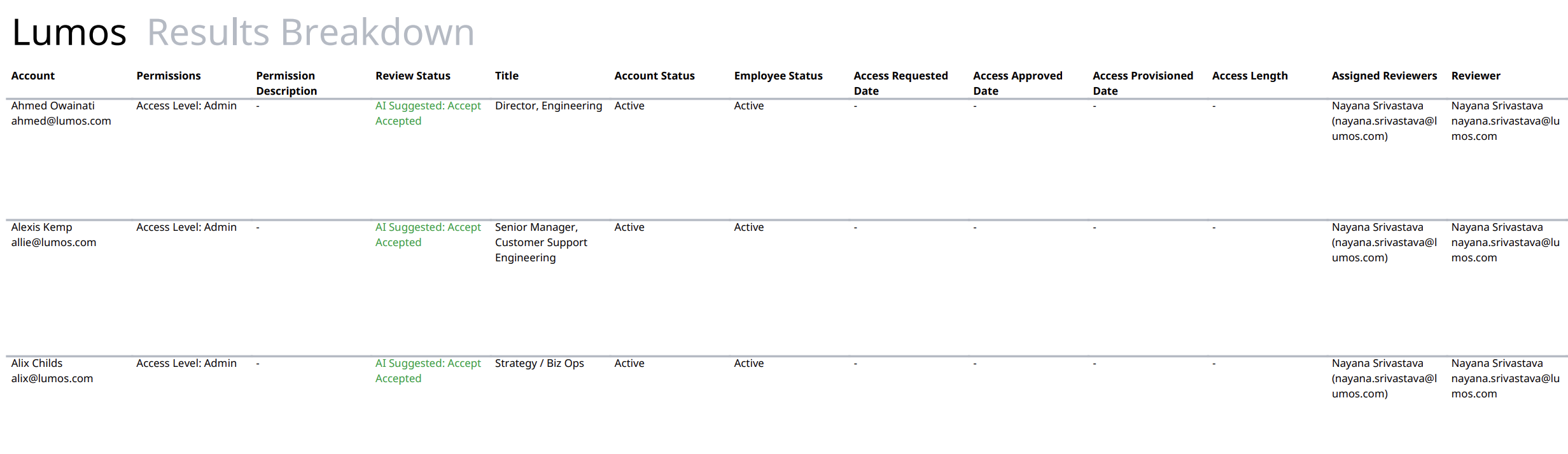
View AI insights in the Auditor Report